uBixOS — What I've Been Building Since Bringing It Back
A Quick Reintroduction
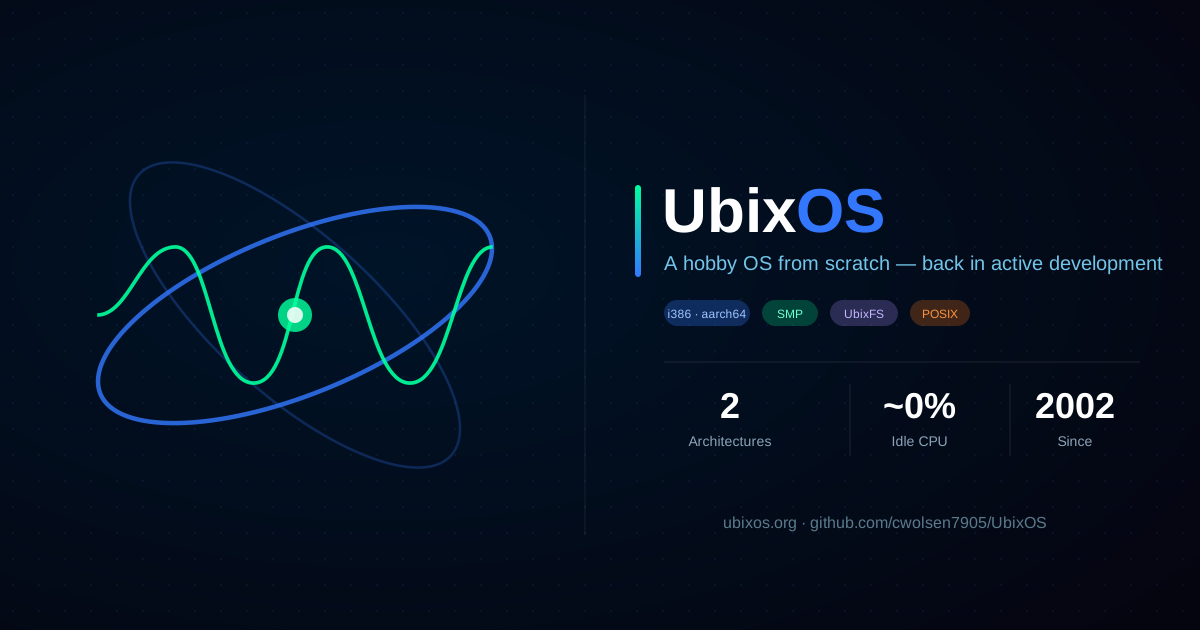
I started uBixOS in 2002 — a hobby/research operating system for x86, written from scratch with a small team of co-developers. Monolithic kernel, FreeBSD-derived POSIX userland, its own native filesystem. It was the kind of project you take on when you want to understand the machine all the way down, with no layers left as a black box.
It went quiet for a long time. It’s not quiet anymore. Over the last several months uBixOS has gone from “an x86 OS that boots and runs a shell” to something with two CPU architectures, a copy-on-write virtual memory system, symmetric multiprocessing, a ZFS-inspired filesystem, and a composited graphical desktop with real applications. This is the write-up of what actually changed.
A Second Architecture: aarch64
The single biggest piece of work is that uBixOS is no longer an x86-only operating system. It now boots and runs on aarch64 (ARM64).
Porting an OS to a second architecture is the test that tells you whether your kernel was actually designed or just accreted. uBixOS was honest enough to admit it was a bit of both — so a large part of this effort was convergence: pulling architecture-specific code apart from the machine-independent core. fork, execve, syscall dispatch, the user virtual-address layout, time sources — all of it got factored into a shared MI layer in sys/kern, with the loaders and trap handlers staying arch-specific where they have to be.
The payoff is that both architectures now boot through the same /bin/init and run the same userland. On the ARM side specifically, that meant building out:
- A device-tree-driven boot — the kernel sizes RAM from the DTB instead of a hardcoded cap, enumerates CPUs from the
/cpusnode, and reads the PL031 RTC for a real wall clock. - virtio drivers — block, network, and a
virtio-sounddriver feeding/dev/audio. - An on-screen framebuffer console so the kernel can talk to you before the desktop comes up.
- Copy-on-write
forkand shared library pages, which is what makes a real userland affordable instead of copying every page on every spawn.
And to prove the userland was genuinely portable, I got NetSurf — a real web browser — rendering on aarch64. Nothing tells you the C library, the loader, the framebuffer, and the input stack all work quite like a browser drawing a page.
UbixFS Gets a Pool
uBixOS has always had its own filesystem, UbixFS. The big change is that it now has a storage pool model directly inspired by ZFS — and it runs in the kernel.
There are native in-OS commands, ubpool and ubfs, which are the deliberate analogs of zpool and zfs. Pools have no mountpoint; datasets do — the same semantics ZFS users already have in their fingers. Underneath, the pool sits on a raw block-device vdev mounted from its own MBR partition.
The milestone I cared about most: both architectures now boot with the UbixFS pool as their root filesystem. FAT got shrunk down to a /boot-only partition, and the pool gets the rest of the disk and serves the entire running world. Getting there surfaced some genuinely fun bugs — the one I’ll remember is that an early “filesystem” failure turned out to be a 16 KB boot-stack overflow, not an FS bug at all. (The per-thread kernel stack is now 64 KB. UbixFS runs in process context and it needed the room.)
SMP — Actually Using Every Core
uBixOS now does symmetric multiprocessing. The machine-independent half enumerates CPUs (via the ACPI MADT on x86, via the device tree on ARM), and the per-CPU plumbing — GDT, TSS, and a dedicated idle thread per core — is in place. On x86 the application processors come up and enter the scheduler; the LAPIC timer and inter-processor interrupt infrastructure (reschedule IPIs, timer ticks, EOI) are wired in.
SMP is the kind of feature where the bugs are educational. My favorite from this round: a cold-boot triple fault that came down to a per-CPU TSS ss0 field that wasn’t being seeded explicitly. The kind of thing that’s invisible right up until a second core touches it.
Making the Desktop Idle
Here’s a theme that runs through dozens of commits and that I think matters more than any single feature: the system stops burning CPU when it has nothing to do.
The old desktop sat around 82% CPU at idle because everything busy-polled — the compositor re-flushed the GPU on every loop, services spun on their mailboxes, the pageout daemon scanned in a tight loop. I went through the whole stack and converted busy-polling to blocking. The MPI message layer got a real blocking receive (mpi_waitMessage). The compositor only presents on change. Pipe reads block instead of spinning. The pageout daemon sleeps its scan interval.
Idle CPU went from 82% to roughly 0%. An OS that pegs a core doing nothing is an OS that can’t be trusted on a laptop or in a VM you’re paying for. This was the work that made uBixOS feel like a real system instead of a demo.
A Real Desktop With Real Apps
The graphical side grew up too. uBixOS has a composited window system (views), a taskbar with a start menu and a speaker mixer flyout, and a DST-aware clock. On top of that I built actual applications using a reusable widget toolkit on the objGFX rendering library:
- Activity Monitor / Task Manager — a Windows-leaning redesign with Processes and Performance tabs, live CPU graphs, a sparkline, force-quit, and an honest idle-percentage readout. It reads real data: RSS via page-table walks, process footprint from the VMA tree, uptime and per-process stats out of a working
procfs. - Disk Utility — a graphical front end over a
ubix_disk_querydata layer. - A userland audio mixer (
aural) with alibaudioveneer, so audio is a proper server, not a driver poke. - objGFX itself got modernized — gamma-correct alpha blending and anti-aliased fills and outlines for circles and rounded rectangles. Small things that are the difference between “renders shapes” and “looks intentional.”
There’s a file manager (“Files”) on the design board next.
POSIX Details That Make a Shell Feel Real
A lot of the less glamorous work was POSIX correctness — the stuff that’s invisible when it works and infuriating when it doesn’t. Job control now works: Ctrl-Z suspends, SIGCHLD fires on child-stop, wait4 honors WUNTRACED, and releasing a pty sends SIGHUP to the terminal’s job. nanosleep actually deschedules instead of busy-yielding. Arrow keys work in vi and less (a FIONREAD encoding mismatch). These are the things that separate “technically POSIX” from “actually usable.”
Where It’s Going
uBixOS is back to being the project I reach for when I want to think about systems with no abstractions left unexamined. The architecture has earned a second CPU target, the filesystem has a real storage model, and the desktop idles like a desktop should.
The source is at github.com/cwolsen7905/UbixOS, and the project lives at ubixos.org. It’s a hobby OS — but it’s one that boots two architectures off a ZFS-style root, runs SMP, and won’t peg your CPU while it sits there. Twenty-four years in, it’s the most fun it’s ever been to work on.